
Starting the Game
Title Menu
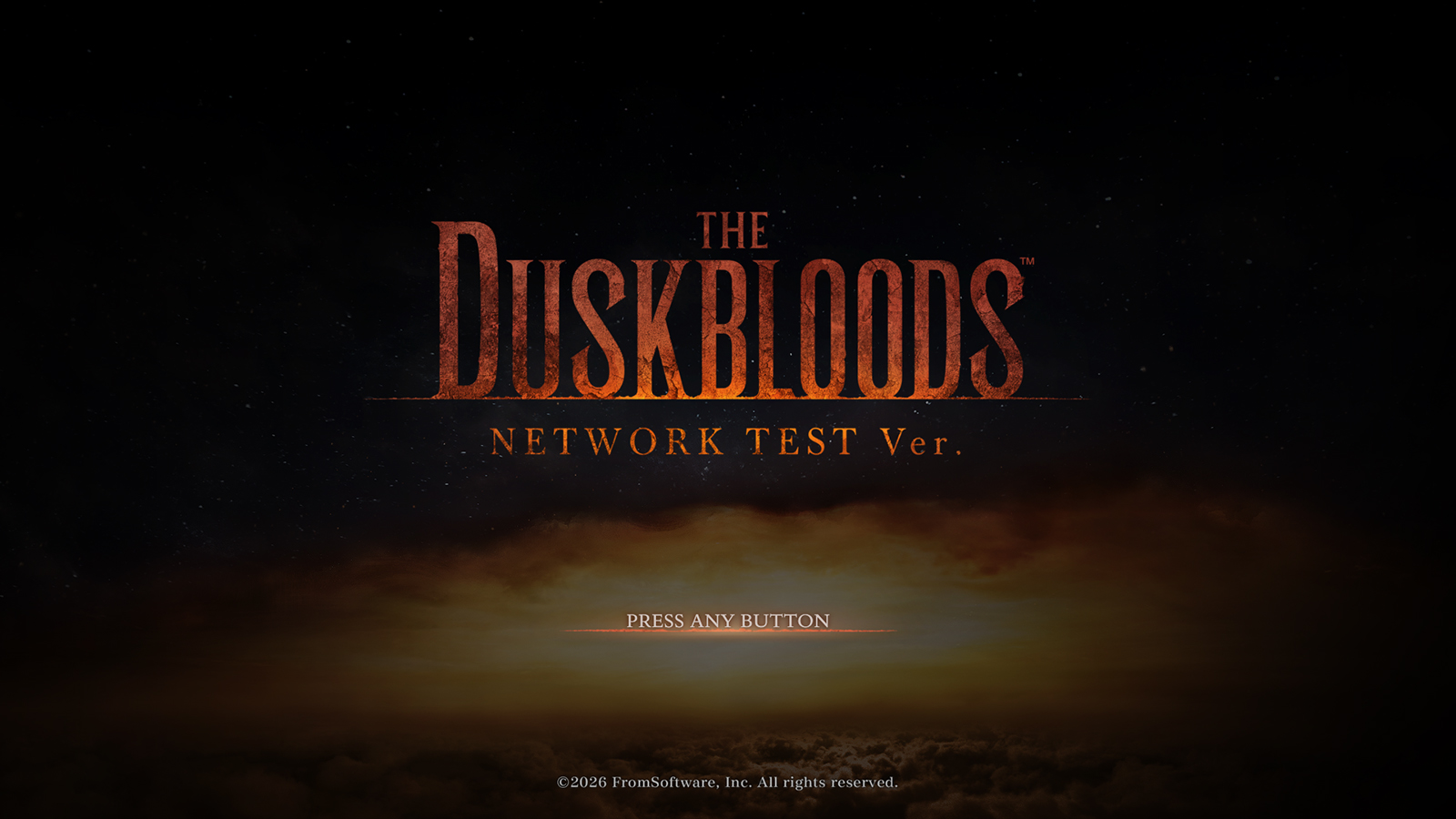
When the game starts, you can select from the following options.
"CONTINUE" will not be available until you have created a save file.
NEW GAME
Play the game from the beginning.
CONTINUE
Resume play.
SYSTEM
Configure various settings. These can be changed at any time.
INFORMATION
See notifications about server status and other information.
LANGUAGE
Configure the language.
Quitting the Game
In The Duskbloods Network Test Ver., the game saves automatically. An autosave icon will appear at the top right of the screen during a save. You may incur a penalty if you leave during a multiplayer session and close the game.
Quit the game by going to "System" and selecting "Quit Game."
Online Play
Nintendo Switch Online membership (sold separately) and Nintendo Account required for online play. Not available in all countries. Internet access required for online features. Terms and conditions apply. For more information, please visit nintendo.com/en-gb/switchonline
Ports Allowing Communication
Depending on your network equipment settings, you may need to configure the following ports to allow communication.
The following ports are used for online play.
TCP: 443, 7000-8000
UDP: 3478, 7123, 8123, 10900-10999, 15500